Download Lenify
Download the Lenify desktop application for your operating system to get the best performance and integration with your development workflow.
Download Options
Lenify offers native desktop applications for all major operating systems:
Windows (64-bit)
- Download the
.exeinstaller from lenify.ai/download - Supported Versions: Windows 10 and Windows 11
- Features: Auto-updater for seamless version management
- Architecture: 64-bit systems only
macOS (Intel & Apple Silicon)
- Download the
.dmgpackage from lenify.ai/download - Compatibility: Universal binary supporting both Intel and M1/M2 Macs
- Requirements: macOS 11.0 (Big Sur) or later
- Installation: Drag and drop installation process
Linux (Debian/Ubuntu)
- Download the
.debpackage for Debian-based distributions - Requirements: Ubuntu 18.04+ and other modern distributions
- Installation: Command-line installation via
dpkg
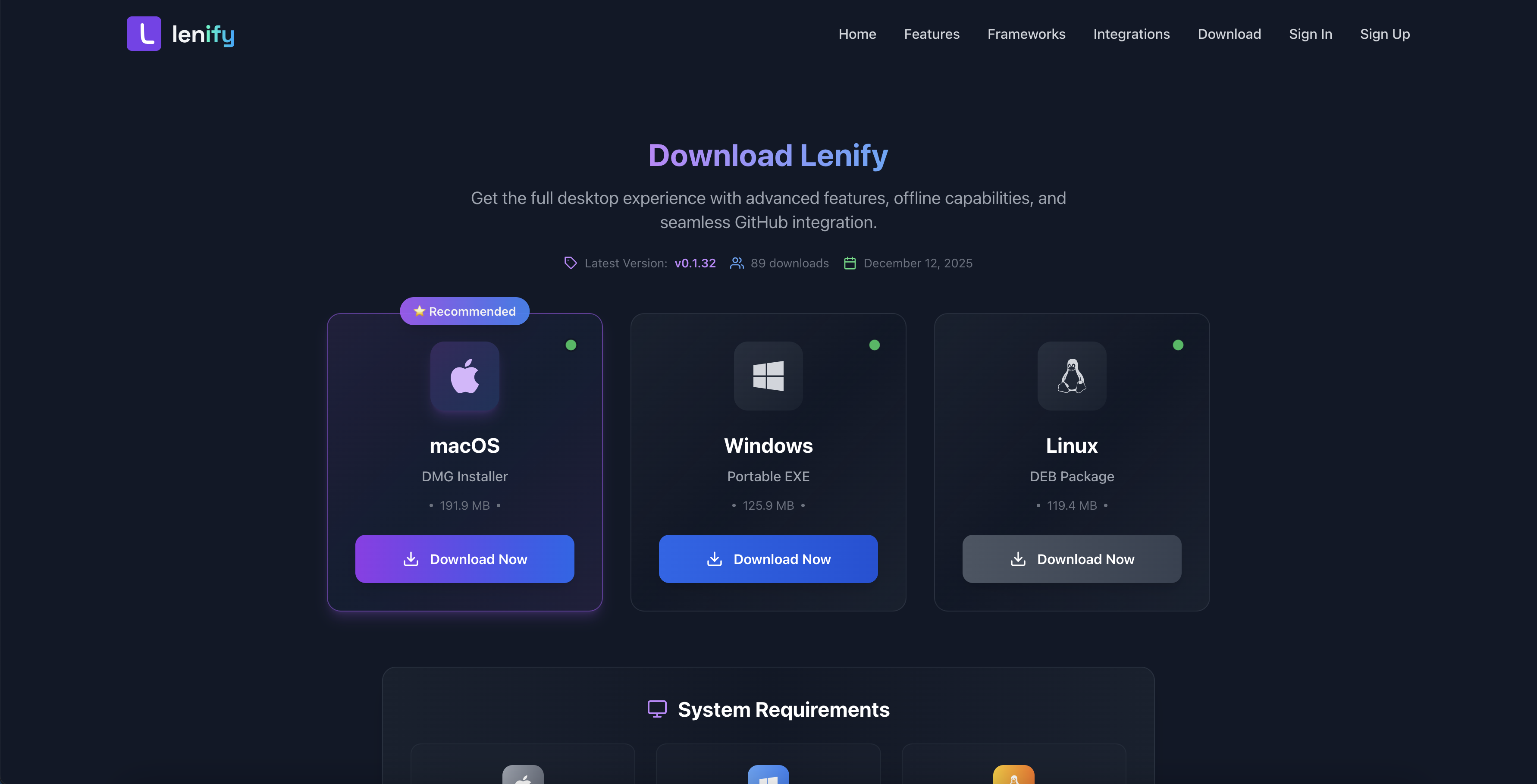 Download page with platform-specific installers for Windows, macOS, and Linux with automatic platform detection and system requirements
Download Features
- Platform Detection: Automatic detection of your operating system
- System Requirements: Display of minimum and recommended specifications
- Version Information: Current release version and release notes
- Secure Downloads: Digitally signed installers for security
Next Steps
After downloading, continue to Desktop App Installation for detailed installation instructions for your platform.